

Docker Compose for Odoo development: reproducible stacks in one command
New developer, new laptop, same Odoo in ten minutes. Our standard Compose setup for local Odoo with Postgres, Mailpit, and hot-reloaded addons.
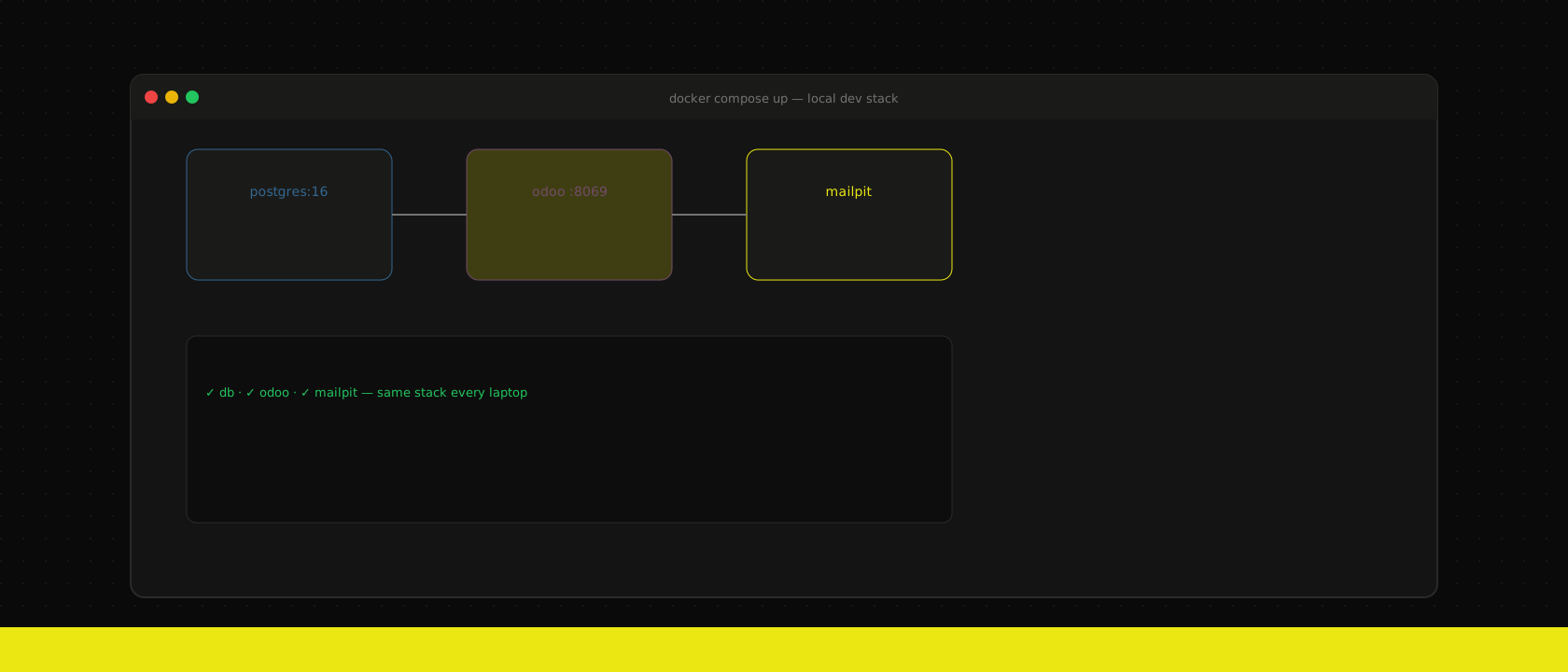
Every Odoo developer on our team runs the same Compose stack. No "works on my machine" — the machine is irrelevant.
The stack
services:
  db:
    image: postgres:18
    environment:
      POSTGRES_USER: odoo
      POSTGRES_PASSWORD: odoo
      POSTGRES_DB: odoo
    volumes:
      - pgdata:/var/lib/postgresql/data

  odoo:
    build: .
    depends_on: [db]
    ports: ["8069:8069"]
    volumes:
      - ./addons:/mnt/extra-addons
    environment:
      HOST: db
      USER: odoo
      PASSWORD: odoo

  mailpit:
    image: axllent/mailpit
    ports: ["8025:8025", "1025:1025"]
Bind-mount addons in dev; bake them in prod. Mailpit catches every outbound e-mail so you can test workflows without spamming real inboxes. Point Odoo's SMTP settings at mailpit:1025 — no auth required in dev.
Quality-of-life extras
.envfile for ports and database names — never commit secrets.- A
make reset-dbtarget that restores a anonymised staging dump. - pgAdmin or Adminer as an optional profile for debugging.
Onboarding a new developer goes from days to an afternoon. That compounds.
This is the baseline we hand every developer on our own Odoo development projects — the tooling is part of the deliverable, not an afterthought.
Want us to publish something specific?
Tell us what you'd like to read and we'll add it to our writing queue.
Get the next one in your inbox
New articles, videos and the occasional engineering note — a short mail when there’s something worth reading, nothing else.