

Odoo Knowledge as the company wiki: killing the fourth documentation tool
Processes live in Notion, specs in Confluence, manuals in Drive — and the ERP itself stays undocumented. Odoo's Knowledge app lets you put internal documentation next to the workflows it describes, with live data embedded instead of stale screenshots.
Ask five people at a growing company where the onboarding checklist lives and you'll get five answers: a Notion page nobody updated since the last hire, a Confluence space with three competing versions, a Google Doc linked from a Slack message from March, and — for the process that actually matters, the one that touches the ERP — nothing. Tribal knowledge, held by whoever set it up and never written down, because the tool that would document it is a fourth subscription and a fourth login nobody wants to add.
That gap is where the most expensive documentation debt accumulates. The workflows worth writing down are usually the ones already running inside Odoo — approval chains, close-of-month checklists, "what to check before you confirm this delivery" — and they end up undocumented precisely because the ERP has no wiki of its own. We stopped accepting that gap and now default new Odoo projects to Odoo's built-in Knowledge app instead of a fifth tool.
What Knowledge actually is
Knowledge is a full article editor built into Odoo itself: a nested tree of pages, a slash-command block editor (tables, checklists, code blocks, templates, table of contents), history with restore, comments, and favoriting — the feature set you'd expect from any modern wiki. Nothing about that alone would justify replacing Notion. What does is the one thing a general-purpose wiki structurally cannot do: embed live Odoo data inside the page.
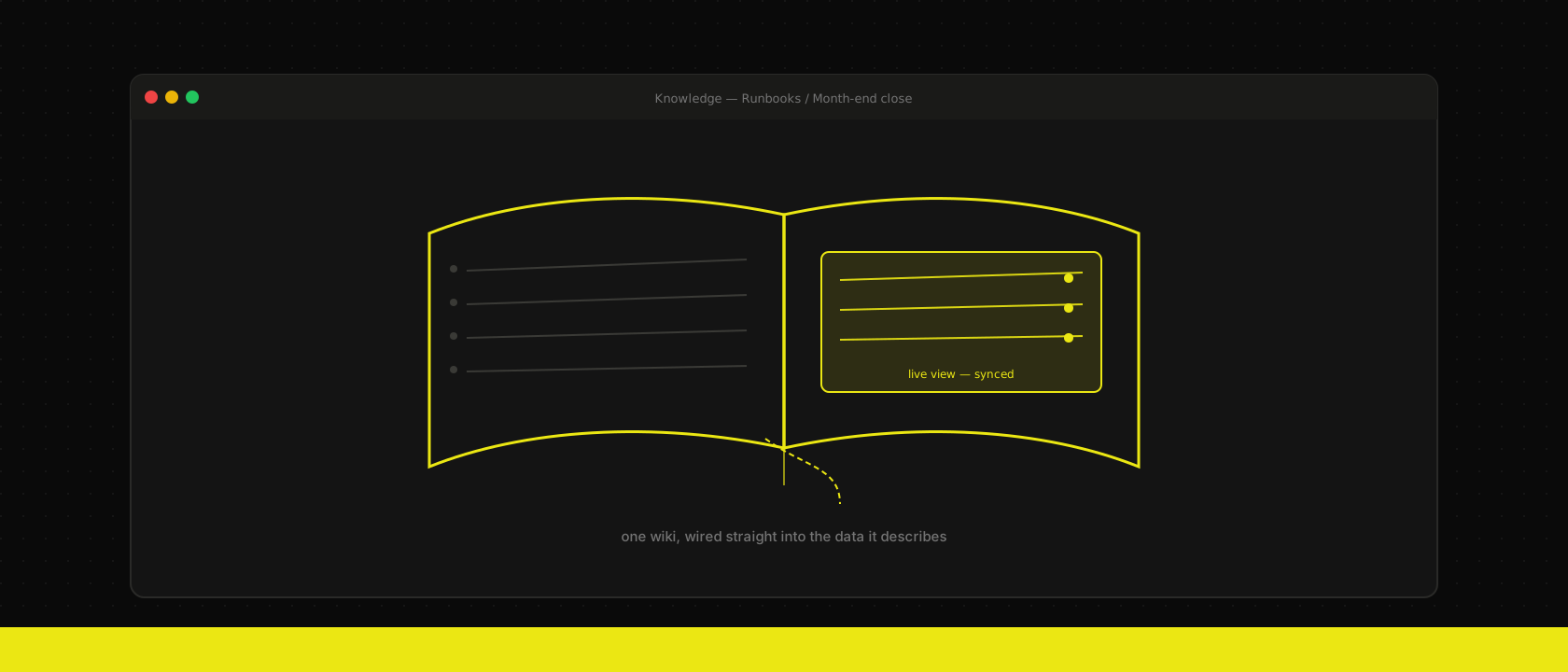
Type /view in an article and you can drop in a real, filtered, permission-respecting view of any model — a kanban of this month's overdue invoices, a list of open support tickets assigned to a team, the pipeline stages of a specific sales team — and it renders from the actual database, live, every time the page loads. A runbook that says "check the overdue invoices list" stops being a sentence with a stale screenshot next to it and becomes a sentence with the actual list under it. The documentation can't drift from reality, because it isn't a description of the data — it's a window onto it.
Access rights you don't have to rebuild
Every other wiki tool means a second permission system: who's in which Notion workspace, which Confluence space, whose Google Drive folder. Knowledge articles use Odoo's existing user and group model. An article restricted to the Accounting group is restricted the same way the accounting menus are — no separate invite list to maintain, no risk of a departed contractor still holding wiki access three tools after their Odoo login was revoked. Shared articles can also go external, read-only or read-write, for the rare case a client or partner needs a single runbook without full portal access.
Where we still reach for something else
This isn't a universal wiki replacement, and we don't pretend it is. Technical specs that need diffs, review, and version history belong in git next to the code — the same discipline we apply to modules that need to survive an upgrade. A public-facing help center for end customers belongs on the marketing site, not behind an internal login. Knowledge's job is narrower and more useful than "wiki for everything": it's where the operational knowledge that's about the ERP lives, next to the ERP, visible to the people who already have accounts in it.
How we roll it out
On new implementations we seed a standard root structure before training starts, so day one isn't a blank page:
Runbooks/
  Month-end close
  New employee onboarding
  Support escalation
Process maps/
  Order-to-cash
  Procure-to-pay
Module notes/
  Custom fields and why they exist
  Integration endpoints and owners
Each client team fills in their own branches, but the shape is consistent across projects, which matters more than it sounds — a support engineer who's worked on three of our clients' Odoo instances already knows where to look. We set a hard rule during migration off an old tool: pick a freeze date, copy over only the pages someone can vouch are current, and archive the rest instead of migrating stale content into a fresh tool. A wiki that starts with three-year-old cruft dies the same death the old one did.
The fourth tool was never really solving the documentation problem — it was just moving it somewhere the ERP couldn't see. Once the runbook lives next to the workflow, the excuse to skip writing it down goes away too. If you're setting up a new Odoo instance or untangling one that never got documented, that's exactly the kind of groundwork we lay in every Odoo implementation we run.
Want us to publish something specific?
Tell us what you'd like to read and we'll add it to our writing queue.
Get the next one in your inbox
New articles, videos and the occasional engineering note — a short mail when there’s something worth reading, nothing else.