

Multi-stage Docker builds for Odoo: smaller images, faster deploys
Build tools and git history do not belong in production images. How we use multi-stage Dockerfiles to ship lean Odoo containers under 500 MB.
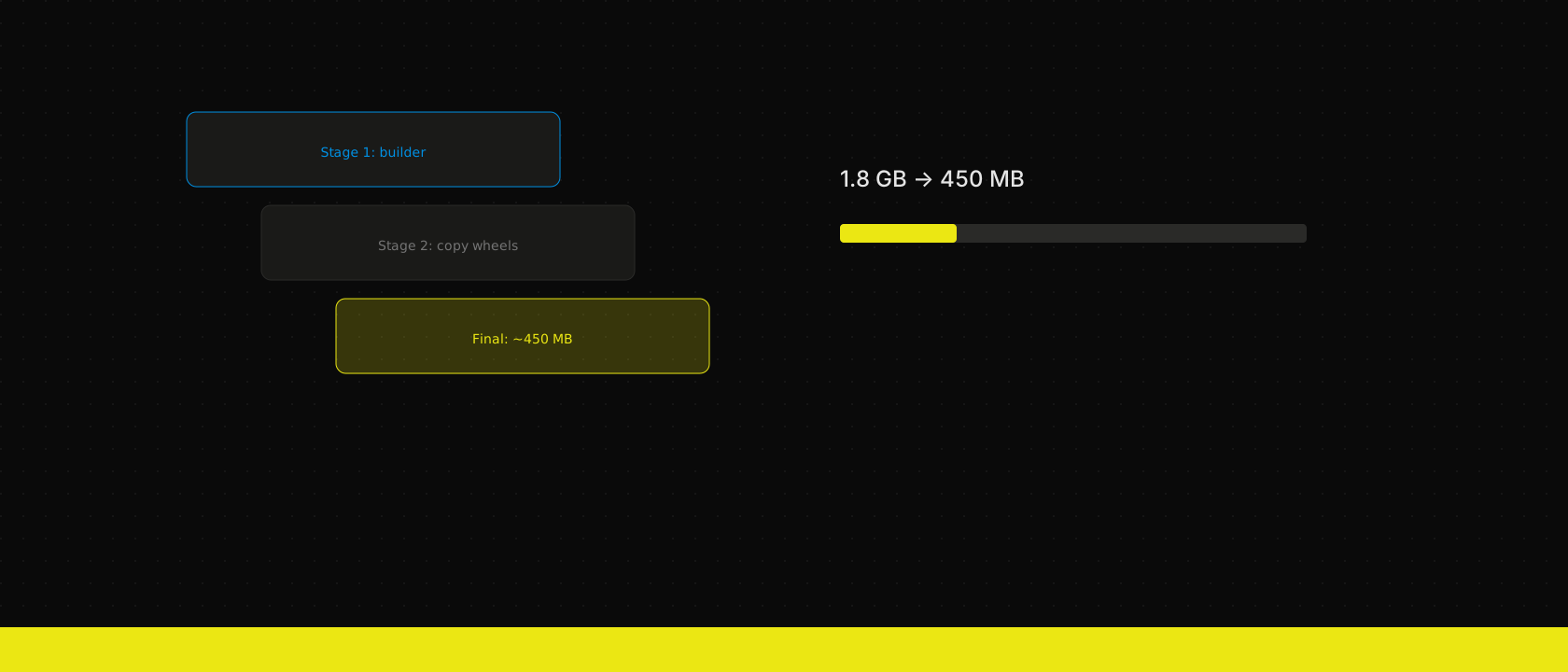
Fat Odoo images slow every deploy and widen your attack surface. Multi-stage builds fix both.
Pattern
FROM python:3.12-slim AS builder
WORKDIR /src
COPY requirements.txt .
RUN pip wheel --wheel-dir /wheels -r requirements.txt
COPY ./addons ./addons

FROM odoo:19.0
COPY --from=builder /wheels /wheels
RUN pip install /wheels/* && rm -rf /wheels
COPY --from=builder /src/addons /mnt/extra-addons
Compile dependencies in a builder stage. Copy only wheels and addons into the final image. No gcc, no git, no source tarballs.
Size wins
| Approach | Typical size |
|---|---|
| Single-stage with build tools | 1.2–1.8 GB |
| Multi-stage, wheels only | 400–600 MB |
Smaller images mean faster pulls on every node during a rolling update — which means faster rollouts and shorter vulnerability windows.
CI integration
Build once in Woodpecker, push to your registry, deploy the digest. The image that passed tests is the image in production — no drift.
These images are how we ship our own Odoo development and integration work — the same pipeline, from module CI to production registry.
Want us to publish something specific?
Tell us what you'd like to read and we'll add it to our writing queue.
Get the next one in your inbox
New articles, videos and the occasional engineering note — a short mail when there’s something worth reading, nothing else.