

Dockerizing Odoo for production: images, workers, and the config that actually ships
A production Odoo container is not `docker run odoo`. Multi-process layouts, odoo.conf mounts, and why your Dockerfile should not install modules at runtime.
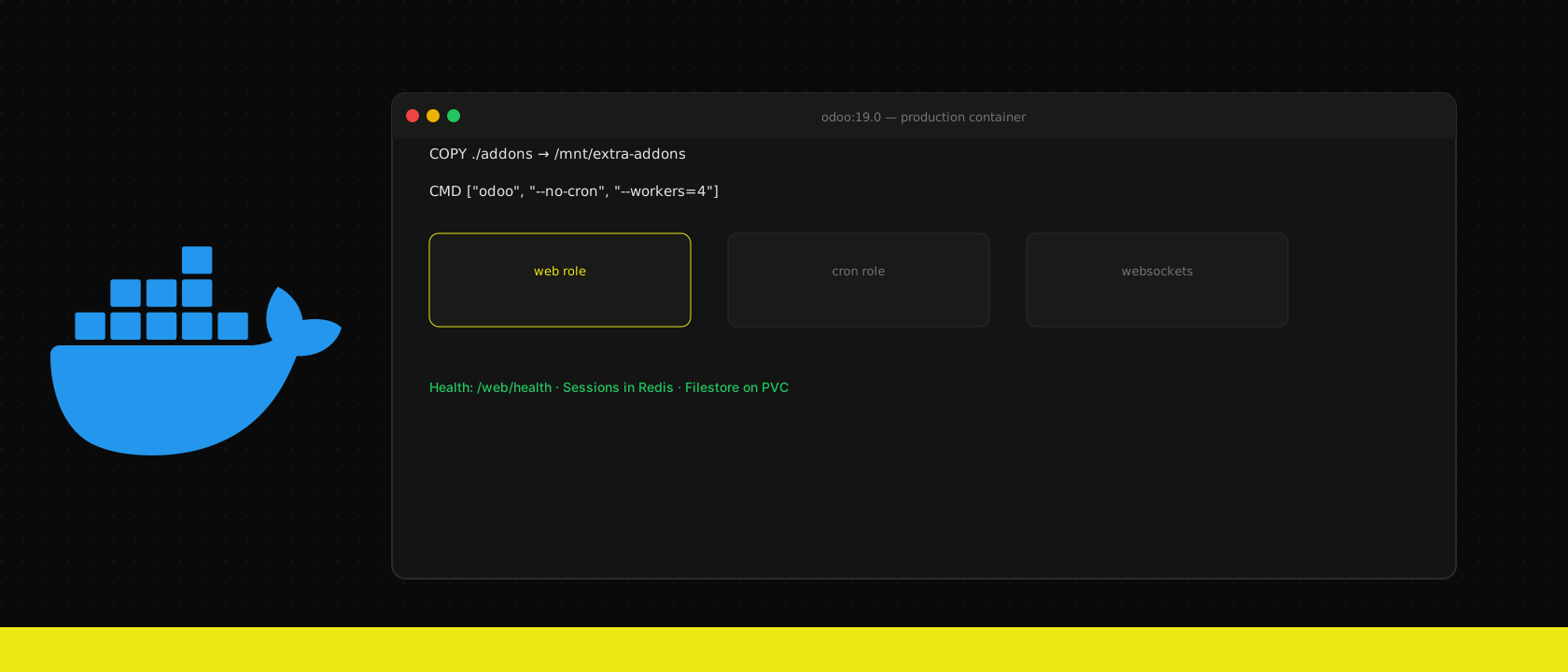
Running Odoo in Docker is the default for every project we deploy. Running it correctly in Docker is what separates a demo from production.
One image, many roles
Build a single image with your custom addons baked in at build time:
FROM odoo:19.0
USER root
COPY ./addons /mnt/extra-addons
COPY ./odoo.conf /etc/odoo/odoo.conf
USER odoo
At runtime, choose the role via command args — web (--no-cron), cron-only, or websockets. Never pip install or git pull modules on container start; that makes pods non-reproducible.
odoo.conf belongs in the image or a ConfigMap
Database connection strings come from environment variables injected by Kubernetes or Docker Compose. Secrets (admin passwords, API keys) come from secrets managers — not from the image layers.
Health checks
Odoo's /web/health endpoint (or a lightweight custom route) is your readiness probe. Do not mark a pod ready until Odoo can reach Postgres.
Volume strategy
- Filestore: persistent volume or S3-compatible object storage.
- Sessions: Redis/Dragonfly — not the container filesystem.
- Addons: in the image, not a bind mount in production.
This is the foundation we build on before Kubernetes adds scaling and HA on top.
Want us to publish something specific?
Tell us what you'd like to read and we'll add it to our writing queue.
Get the next one in your inbox
New articles, videos and the occasional engineering note — a short mail when there’s something worth reading, nothing else.