

Odoo Field Service: routing technicians without a second system
Work orders, van stock, mobile timesheets and customer signatures — Field Service keeps technicians inside the same database as invoicing. Where that earns its licence, and the two things it still needs help with: route optimization and offline reliability.
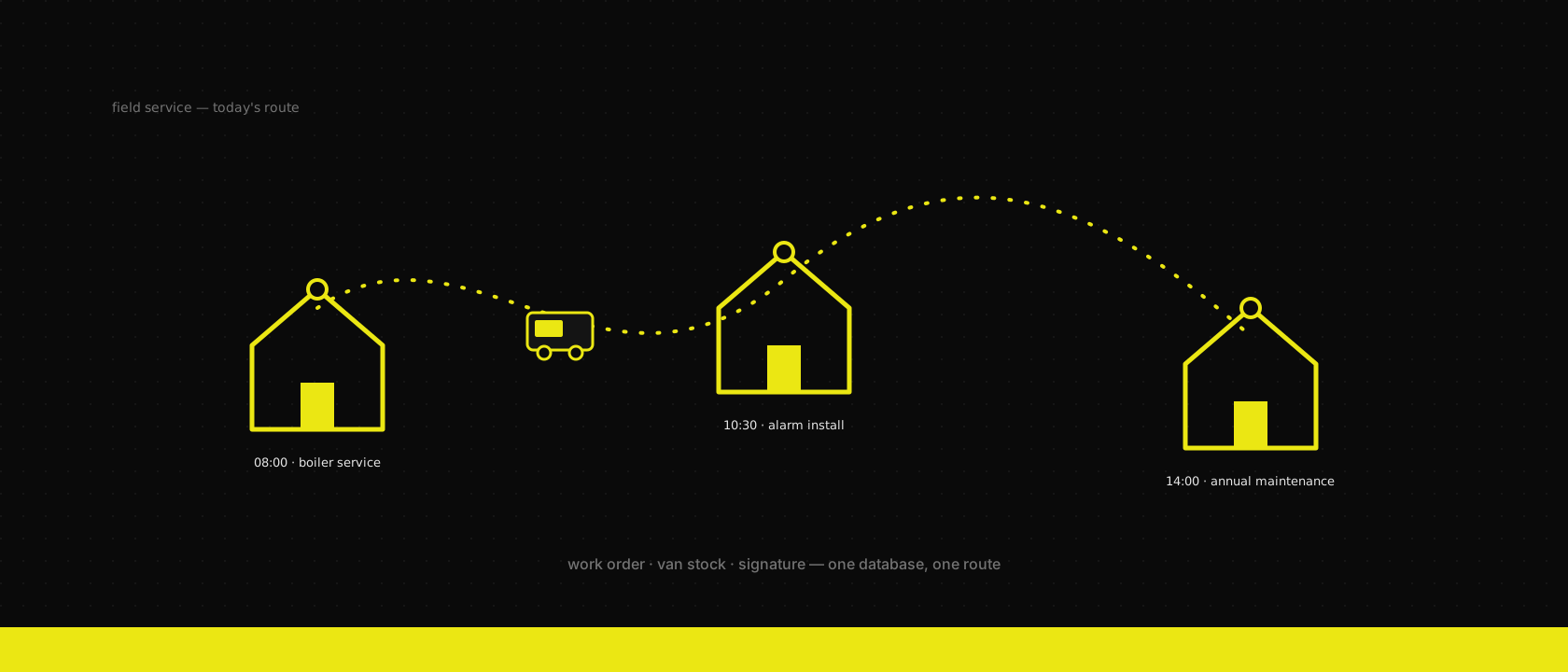
Every field-service client walks in with the same stack, assembled one urgent purchase at a time: a scheduling app for dispatch, a separate mobile app for technicians, a spreadsheet for van stock, and Odoo for the invoice at the end. Four systems, three of them not talking to each other, and a Friday-afternoon ritual where someone reconciles what got used against what got billed. Nobody designed this stack — it accreted, because "field service software" and "the ERP" got bought from different vendors in different years.
Odoo's Field Service app exists to collapse that back into one database. Not because a dedicated dispatch tool can't be better at dispatch — some can — but because the integration tax between the ERP and a bolted-on field app is usually larger than the feature gap. Here's where the single-database bet pays off, and the two places it genuinely doesn't.
A work order is a task, a task is a project record
Field Service is built on the Project app, not bolted beside it. A job is a project.task with is_fsm = True — it inherits everything a task already has (stages, activities, timesheets) and adds what a field job needs: a customer, a planned window, an assigned technician, and a worksheet.
job = env["project.task"].create({
    "name": "Annual boiler service — Vandenberghe",
    "project_id": fsm_project.id,
    "is_fsm": True,
    "partner_id": customer.id,
    "planned_date_begin": "2026-08-04 08:00:00",
    "planned_date_end": "2026-08-04 10:00:00",
    "user_ids": [(6, 0, [technician.id])],
    "worksheet_template_id": boiler_checklist.id,
})
That inheritance is the whole pitch. The customer on the job is the same res.partner with the same address and contact history as every invoice and support ticket. The technician is the same hr.employee whose leave calendar and timesheet already live in the ERP. There is no sync job, no matching-by-email, no "which system is the source of truth" meeting — because there's one system.
The worksheet and the signature travel together
On the mobile app, the technician opens the job, works through a worksheet built for that job type — a checklist, measurements, photos, whatever Studio configured for boiler services versus, say, alarm installs — and closes the visit with the customer's finger on the screen. That signed worksheet renders as a proper document through the same QWeb reporting engine that produces the invoice, and it attaches to the task permanently. When a customer disputes a callout eight months later, the proof is a click away in the same record, not an email search across two vendors.
Van stock, not warehouse stock
The part that quietly kills spreadsheet-based field service: parts consumed on-site never get billed, and inventory never gets adjusted, because nobody updates two systems at 6pm from a van. Odoo's answer is a warehouse per technician — a "van" location that represents what's physically in the vehicle, distinct from the central warehouse. Adding a product to a job on mobile creates a delivery from that location, not from the main store:
van = env["stock.warehouse"].search([("name", "=", f"{technician.name}'s Van")])
env["stock.picking"].create({
    "picking_type_id": van.out_type_id.id,
    "location_id": van.lot_stock_id.id,
    "location_dest_id": customer_location.id,
})
Mark the job done and three things happen from one action: the part leaves the van's stock (so replenishment planning sees it), a sale order line appears if invoicing policy is time-and-material, and the worksheet records what was actually installed. Replenishing vans is then a normal inventory automation problem — reordering rules per van location — instead of a phone call asking what's left on the shelf.
Dispatch is a canvas, not an optimizer
Here's where we stop selling and start qualifying. The Field Service dispatch view — a Gantt on one axis, a map on the other — is genuinely good for seeing who's free and where jobs are clustered. It is not a route optimizer. Nothing in the box computes the travel-time-minimizing order for eight technicians and forty stops; a planner drags jobs onto a calendar by eye, same as they would with a paper board, just with better visibility.
For a handful of technicians covering a compact territory, eyeballing it is genuinely fine — we don't recommend engineering effort a team doesn't need. Past roughly ten technicians or a service radius that spans real driving time, the manual board starts costing more in wasted kilometres than an integration would cost to build. What we wire in at that point is an open-source routing engine — VROOM or OSRM's Trip service — fed nightly with that day's jobs, technician start locations and time windows, called from a server action that writes the optimized sequence back onto each project.task's planned time. Odoo stays the system of record; it just stops pretending to be a solver it was never built to be.
Route optimization answers "what order should today's stops be in" — it says nothing about where a technician actually is right now. For clients who want that too — a dispatcher watching vans move in real time, an accurate "on my way" ETA for the next customer, proof of a visit's actual duration versus what got logged — we bring in Traccar, an open-source GPS tracking platform, alongside the routing layer: a phone or vehicle tracker reports position, Traccar ingests and stores the trail, and a webhook or periodic pull writes arrival/departure timestamps back onto the relevant task. Planned route and live position are related but separate problems, and we treat them as two integrations, not one.
Offline is the app's honest blind spot
We wrote about POS's offline-first design — orders queue locally and sync when the connection returns, by deliberate architecture. Field Service does not get the same treatment. A technician in a basement plant room or a rural address with no signal can lose worksheet progress or find the app simply unresponsive until connectivity returns, because writes go through the ORM over HTTP in something close to real time, not through a local queue built for the offline case.
For light connectivity gaps, the mitigation is operational, not a setting to flip: brief technicians to fill worksheets in bursts near a window or doorway rather than mid-task in the basement, and for genuinely connectivity-dead sites, keep a paper fallback that gets re-keyed the same day.
When a client's territory makes that unworkable — rural service areas, industrial sites that are Faraday cages by construction, or simply a volume of dead zones the ops team is tired of working around — we build real offline capability instead of coaching around its absence. The pattern we reach for is ElectricSQL, a sync engine that replicates a Postgres subset down to a local SQLite database on the device and syncs writes back once the connection returns, with merge handled at the row level rather than "last write wins" on the whole document. Depending on how far the client wants to go, that's either ElectricSQL layered under the existing mobile experience, or — when the workflow itself needs rethinking, not just its network layer — a bespoke native app we build from scratch that owns the technician's entire day offline-first, worksheets, photos, signatures and materials included, syncing to Odoo the moment a signal appears.
Worth being precise about why this is a comfortable trade here and a much harder one elsewhere on this blog: field service data doesn't carry the constraints invoicing and accounting do. A worksheet completed twice or synced a few minutes late has an obvious, cheap resolution — keep the latest, flag the duplicate. There's no legal sequence number to preserve, no VAT ledger that breaks if two devices write out of order, none of the gapless-numbering discipline a posted invoice demands. That's precisely why we'll build genuine offline-first for a field team without a second thought, while the same request against the accounting stack gets a much longer, more careful conversation.
What we configure on every go-live
The default installation undersells itself if these choices are left at their defaults:
- A van warehouse per technician, not a shared "field service" bucket — otherwise stock accuracy degrades back to spreadsheet levels within a month.
- A worksheet template per job type, built in Studio, not one generic form — a boiler service and an alarm install have nothing in common except that both need a signature.
- Invoicing policy decided per contract: time-and-material bills what the worksheet recorded; fixed-price maintenance contracts invoice on a schedule regardless of the visit. Picking the wrong one per client is the most common field-service billing dispute we get called in to untangle.
- A routing decision made deliberately, using the technician count and territory above as the threshold — not "the map view has pins on it, that counts as dispatch."
The rule of thumb
Field Service earns its keep the moment a technician touches inventory, time and a customer signature in one visit — because that's exactly the flow the ERP already tracks everywhere else in the business, and FSM just extends it to a person standing in someone's garden. What it doesn't do is replace a dedicated logistics optimizer or a purpose-built offline framework, and pretending otherwise is how "field service software" turns back into four systems. Scope it honestly in the fit-gap analysis — technician count, territory, connectivity — the same way we scope every other Odoo implementation, and the single database stays the advantage it's supposed to be.
Want us to publish something specific?
Tell us what you'd like to read and we'll add it to our writing queue.
Get the next one in your inbox
New articles, videos and the occasional engineering note — a short mail when there’s something worth reading, nothing else.